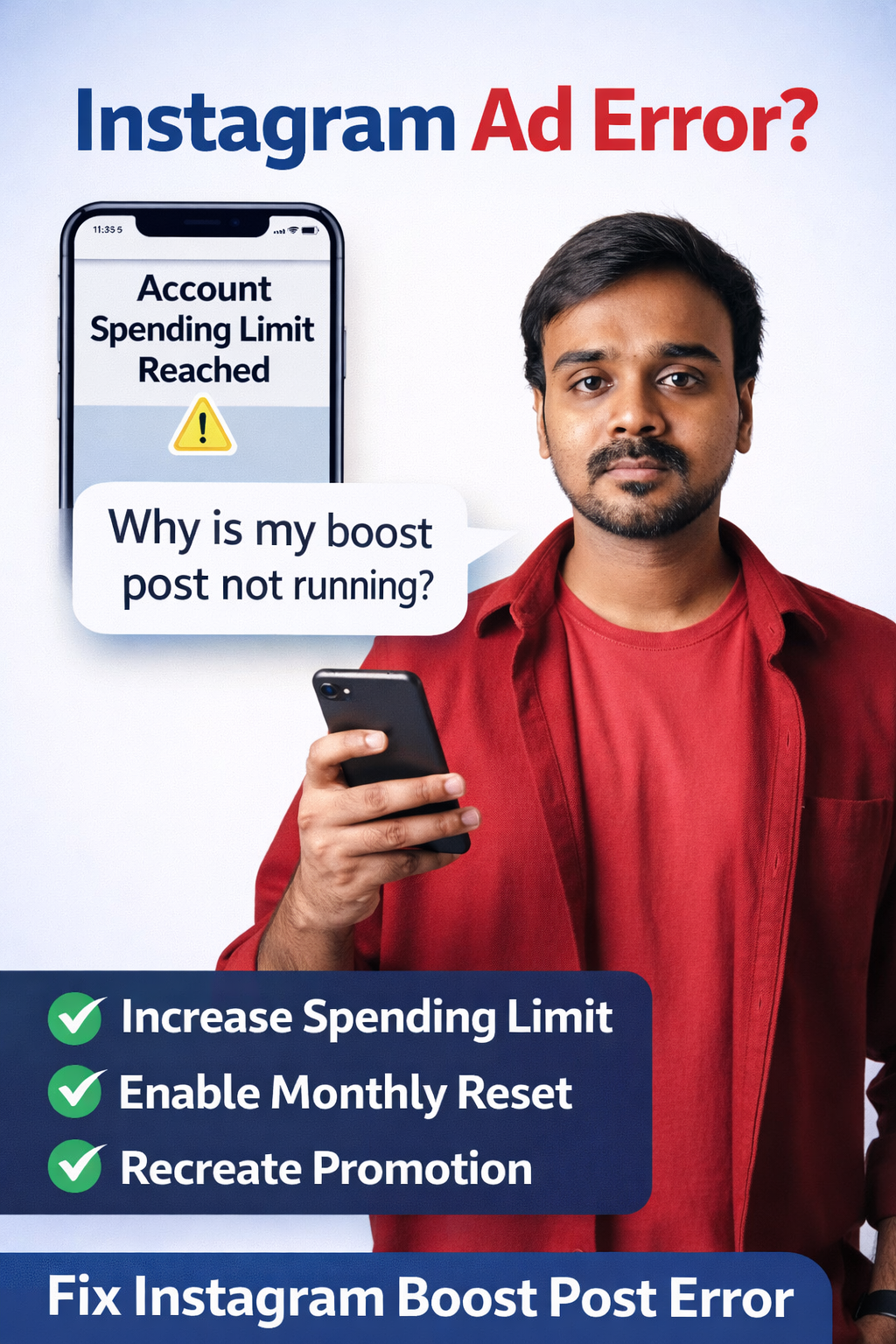
If you are trying to boost a post or reel on Instagram and suddenly see the message:
You have reached your account spending limit.
It can be confusing — especially if you still have money available in your account.
Many beginners and freshers in digital marketing face this issue while running their first Instagram ads. This error is often called the Instagram spending limit reached problem.
The good news is that this issue is very common and easy to fix once you understand how Instagram’s ad account spending limit works.
In this guide, I’ll explain:
- Why the Instagram spending limit reached error happens?
- How to fix the Instagram boost post error?
- The step-by-step process to run your ad again successfully
Let’s break it down in a simple way.
What Does “Account Spending Limit Reached” Mean?
When running ads on platforms owned by Meta Platforms, such as Instagram, there is a feature called Account Spending Limit.
This setting controls how much your ad account can spend in total before ads automatically stop running.
For example:
- You set a spending limit of ₹5,000
- Your ads run and reach ₹5,000
- Instagram automatically stops all campaigns
When this happens, you may see errors like:
- Instagram spending limit reached
- Instagram promotion not running
- Instagram ads spending cap reached
Even if your payment method is active, ads will stop because the Instagram ad account spending limit has already been reached.
When Does This Error Usually Appear?
This issue usually appears in situations like:
- Boosting a post or reel
- Restarting a paused promotion
- Creating a new ad campaign
Many beginners think it is a payment problem, but most of the time it is simply the Instagram ads spending cap blocking the campaign.
Because of this, your Instagram promotion may not run, even if your card or balance is active.
Step-by-Step Fix for the Instagram Spending Limit Issue
Here is a simple troubleshooting method that solves most Instagram boost post errors related to spending limits.
1. Identify the Problem
You will typically see the message:
“You have reached your account spending limit.”
This means your Instagram ad account spending limit has been reached. It does not necessarily mean your payment method failed.
2. Delete the Existing Ad Campaign
The first step is removing the campaign that triggered the error.
Steps:
- Open your Instagram profile
- Go to Professional Dashboard
- Open Your Ads / Promotions
- Find the ad showing the Instagram boost post error
- Delete the ad campaign
Deleting the problematic campaign clears the error attached to that promotion.
3. Refresh and Recreate the Ad
After deleting the campaign:
- Refresh the page
- Choose the post or reel you want to promote
- Click Boost Post or Boost Reel
- Start creating the promotion again
Sometimes the Instagram promotion not running issue appears again during setup.
This is normal and can be fixed in the next step.
4. Increase the Account Spending Limit
When you see the Instagram spending limit reached warning, follow these steps:
- Click Increase Limit
- Go to Account Spending Limit settings
- Set a higher spending limit
Example:
- Old limit: ₹5,000
- New limit: ₹30,000
Increasing the limit prevents the Instagram ads spending cap from stopping your campaigns early.
5. Enable Automatic Monthly Reset
This is one important setting many beginners miss.
While updating the Instagram ad account spending limit, enable:
“Automatically reset on the 1st of every month”
This means:
- Your spending limit refreshes monthly
- Your campaigns will not suddenly stop due to the Instagram spending cap
This simple setting prevents the same Instagram promotion not running issue in future campaigns.
6. Complete the Ad Setup
Now finish the promotion setup:
- Choose your target audience
- Set the budget
- Select the campaign duration
- Confirm payment
Once submitted:
- The ad will go into review
- It will be approved
- Your promotion will start running
The Instagram boost post error related to spending limits should now be resolved.
Why Deleting the Old Ad Helps?
Sometimes promotions on Instagram can get stuck because of system glitches.
Deleting the existing ad:
- Removes the campaign linked to the Instagram spending limit reached error
- Allows you to create a fresh promotion
- Applies the updated Instagram ad account spending limit properly
That is why recreating the campaign often fixes the problem.
Final Thoughts
The Instagram spending limit reached issue can be frustrating, especially for beginners learning paid advertising.
But in reality, it is simply a budget control feature inside the advertising system created by Meta Platforms.
"By increasing the Instagram ad account spending limit and enabling the monthly reset option, you can run your campaigns smoothly without interruptions. "
For freshers learning digital marketing, understanding issues like Instagram boost post errors and promotion spending limits will help you confidently manage ad campaigns for real clients in the future.